Telegram channel verification is how Telegram marks a channel as the official one of a public figure or an organization. A verified channel carries a blue badge beside its name, in its profile, in chat lists and in search results. Telegram gives it out through one route, a bot called @VerifyBot, and publishes what it looks for.
This guide explains who can get the badge, what Telegram asks for, how to apply, and what the badge does and does not mean. It also covers what to do if you do not qualify.
What Telegram channel verification is
Telegram's verification guidelines state the purpose in one sentence: verification is offered to public figures and organizations so that users can easily identify official sources. Three points in those guidelines are easy to miss.
- It is not an endorsement. The guidelines say verification does not endorse the opinions or content of a channel. It only says the channel is the real one.
- It gives no extra abilities. Verification is described as simply one of the ways to show that a channel is official.
- It is for channels, groups and bots. Telegram does not verify personal accounts, and says verification is available only for large and active official channels, groups and bots.
What Telegram asks for
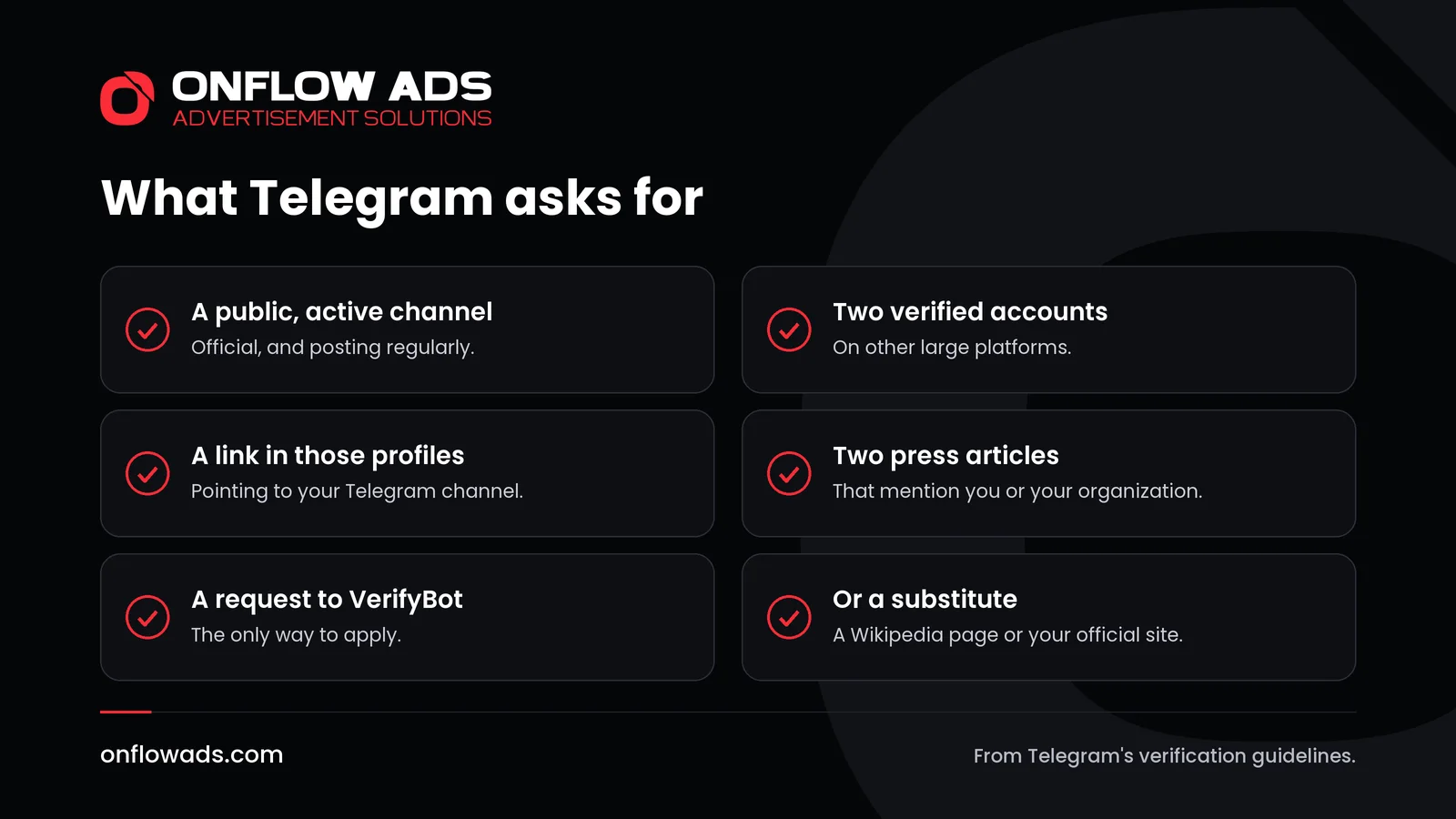
The guidelines say the Telegram team generally verifies active official channels, bots or public groups that have notable verified accounts on at least two of a list of platforms.
| Requirement | What the guidelines say |
|---|---|
| The channel | Active and official. A public channel, bot or public group |
| Verified accounts elsewhere | On at least two of: TikTok, Instagram, Facebook, YouTube, Twitter, VK, Snapchat |
| A link back | A link to your Telegram channel in the bio of those accounts, so Telegram can confirm they are yours |
| Press | At least two links to press articles that mention you or your organization |
| How to apply | Through @VerifyBot |
For the press articles, Telegram says it helps if the publisher is well known and long standing and the article is written in English. The articles have to mention the person or organization, but they do not need to link to Telegram.
If you do not have two verified accounts or two articles
The guidelines allow substitutes.
- An undisputed Wikipedia page that meets Wikipedia's notability rules, and that contains a link to your Telegram channel, can count as one of the missing verified accounts, or as one of the missing press links.
- For an organization, a link to the Telegram channel from its official website may also be taken into account.
- @VerifyBot offers to accept additional information and comments after it has checked the social media links.
If you rely on a Wikipedia page or an official website, Telegram asks that it carries a link to the channel you want verified.
How to apply for Telegram channel verification
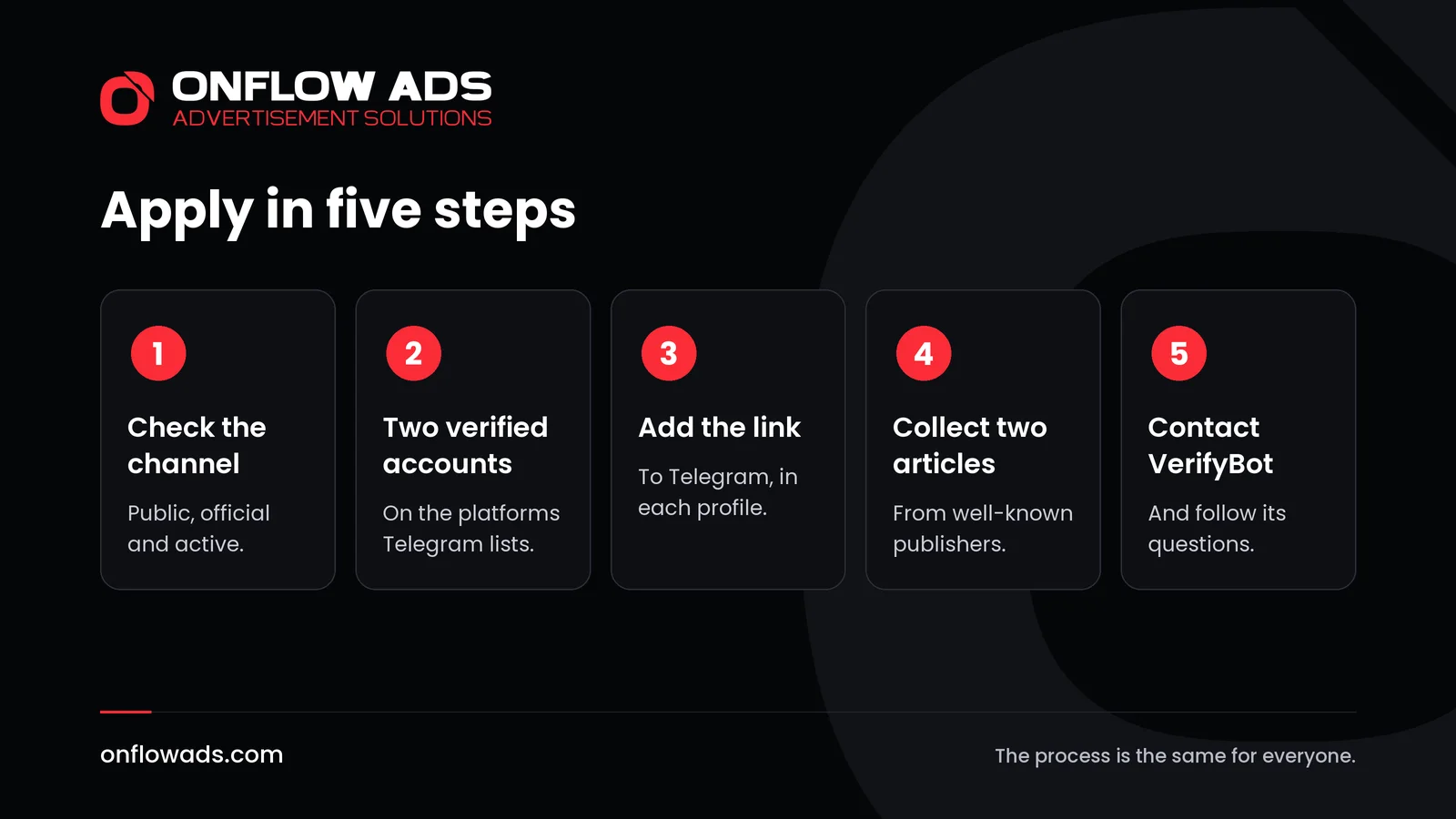
Check that the channel qualifies
It should be public, active, and the official channel of a person or an organization with a public presence.
Confirm two verified accounts
On two of the platforms Telegram lists. They need to be verified there, and they need to be yours.
Add the link to your Telegram channel
Put it in the bio of each of those accounts. This is how Telegram confirms that the channel belongs to the same person or organization.
Collect two press articles
Articles that mention you or your organization, ideally from well-known publishers and in English.
Contact @VerifyBot
Start the bot and follow its questions. It asks for the links and lets you add comments.
Check these before you apply
Each requirement can be checked in advance. Going through them first saves an application that cannot succeed.
- The accounts on other platforms are verified there, not merely popular.
- Each of those profiles shows a link to this Telegram channel, in the bio.
- The press articles mention you or your organization by name.
- A Wikipedia page or official website used as a substitute carries a link to the channel.
- The channel is active, with recent posts, and public.
- The name and the short link are the ones you want to keep, since they are locked afterwards.
Take an example. A regional newspaper has verified pages on two social networks and has been written about in the national press. It adds its Telegram link to both profiles, gathers two of those articles and writes to @VerifyBot. A hobby channel with a large audience but no presence elsewhere has nothing to show under the same rules, however good it is. The badge measures who you are in public, not the quality of the channel.
What changes after verification
- A badge appears on the channel's info page, in users' chat lists and in search results.
- The name and the short link are locked. A verified channel cannot change either. If a change is needed, the guidelines say to remove verification first by sending /unverify to @VerifyBot, make the change, and apply again.
- Nothing else changes. The channel has no new features and no special treatment.
Four things that get called verified
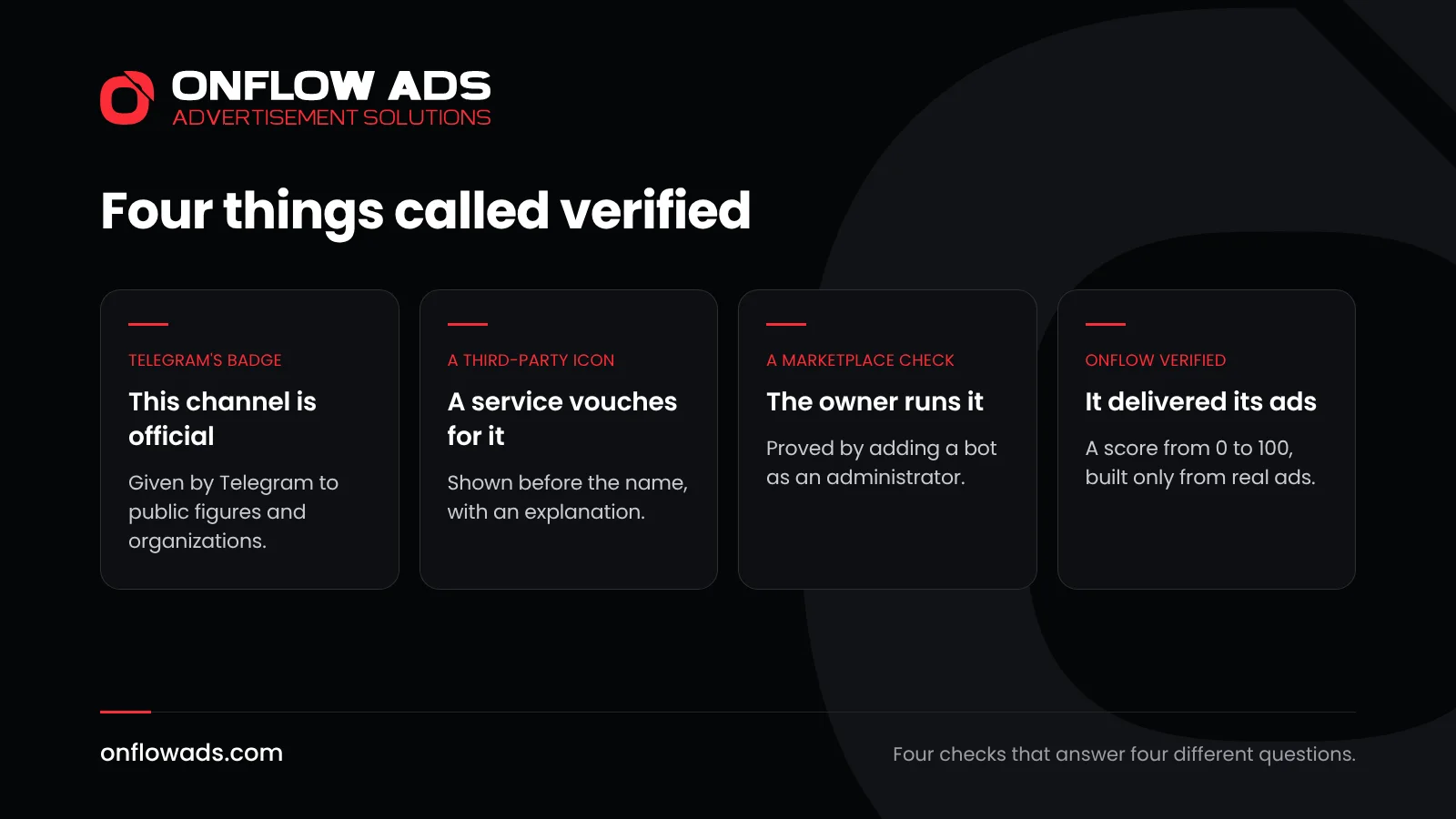
The word is used for four different things on and around Telegram, and mixing them up leads to bad decisions.
| Who gives it | What it tells you | |
|---|---|---|
| Telegram's badge | Telegram | This is the official channel of a public figure or an organization |
| A third-party icon | An official third-party service approved by Telegram | That service vouches for the account, with an explanation in the profile |
| A marketplace check | A platform such as Onflow Ads | The person listing the channel really controls it |
| A delivery score | Onflow Verified, on Onflow Ads | How well the channel delivered the ads it was booked for |
There is also an opposite mark. Telegram's apps show a scam label on suspicious accounts, which is worth looking for before you deal with anyone.
Third-party verification is Telegram's own scheme: approved services can assign extra icons, which appear before the name of a chat. The guidelines note that these icons are completely different from Telegram's checkmark.
The third kind answers a different question. On Onflow Ads, verifying a channel confirms that it really exists and that you actually control it. You prove both by adding the bot as an administrator, which only an existing administrator can do. It is instant, and it means the subscriber count on a listing is read from Telegram and not typed in. In the marketplace a channel that passed carries a green tick.
The fourth is newer. Onflow Verified is a free score from 0 to 100, built only from the ads a channel really ran through Onflow Ads in the last 180 days: whether each ad was kept up, how readers responded compared with similar channels, and whether it reached as many people as the channel's own posts usually do. A number appears after 5 finished ads from 3 advertisers; until then the badge reads New, which is not a bad mark. No plan changes it, and an owner can see how to improve each part. The guide explains the score.
If you do not qualify: how to earn trust anyway
A channel that is not run by a public figure or an organization with press coverage will not meet these requirements. Telegram itself points to the alternative: a link to Telegram on your official site, or on your other official accounts, can achieve a similar result.
- Link to the channel from your website and from every profile you have. A reader who arrives from your own site knows the channel is yours.
- Write a clear description, and keep the name and the link stable.
- Post on a steady rhythm, so that a visitor can see at once that the channel is alive.
- Keep your record clean. If you swap posts or sell ads, deliver what you agreed, every time.
That last point is where a badge and a record part ways. A badge says who you are. It says nothing about how you behave. On Onflow Ads every account carries one reliability score from 0 to 10, moved only by whether deals were kept. For an advertiser choosing a channel, or a channel choosing a swap partner, that is the more useful fact. The reliability score explains how it works.
Growing a channel is one stage of the whole job. Our complete guide to Telegram marketing covers every stage, from the first post to the numbers that show what worked.
Frequently asked questions
How do I get my Telegram channel verified?
Have verified accounts on at least two of the platforms Telegram lists, add a link to your Telegram channel in their bios, collect at least two press articles that mention you, and contact @VerifyBot.
Can a small channel get verified?
Telegram says verification is only available for large and active official channels, groups and bots, and that it generally verifies those with notable verified accounts elsewhere.
Can a personal Telegram account be verified?
No. Telegram's guidelines say it does not verify user accounts at the moment.
Does verification bring more subscribers?
The badge appears in chat lists and search results, but Telegram says verification gives no additional abilities. It shows that a channel is official, nothing more.
Can I change my channel's name after verification?
Not while it is verified. Remove verification through @VerifyBot, make the change, then apply again.
Does a verified badge mean a channel is safe to advertise in?
No. The badge says the channel is official. Whether an ad will run as agreed is a matter of the owner's conduct, which is what a reliability score records.
What is Onflow Verified?
A free score from 0 to 100 that Onflow Ads gives a channel, built only from the ads it really delivered there in the last 180 days. It appears after 5 finished ads from 3 advertisers, and no plan can change it.
Comments
Nobody has commented yet.