
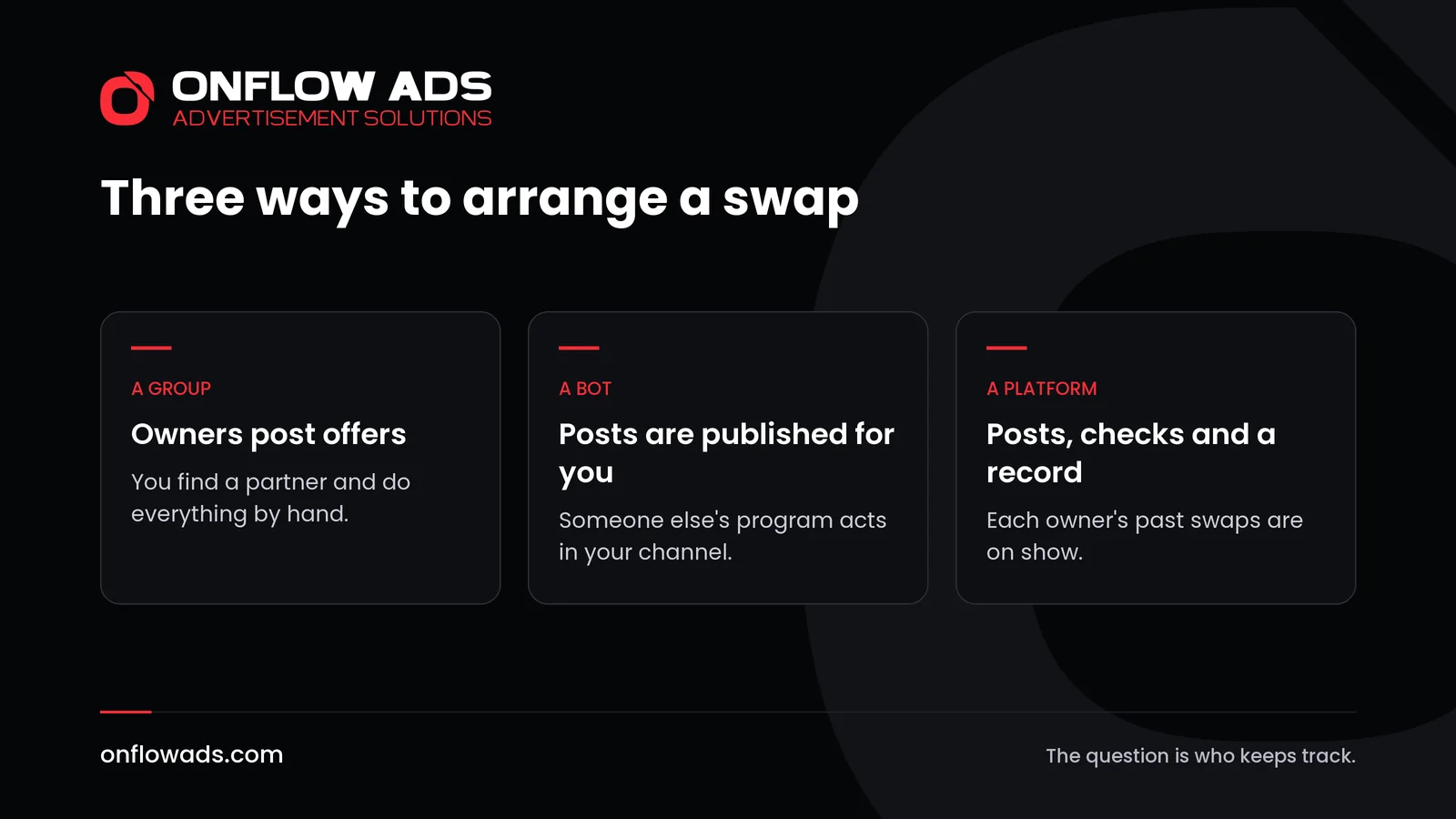
Telegram cross-promotion bots and promotion groups are the two tools channel owners reach for when they want to swap posts with other channels. A promotion group is a chat where owners advertise their channels and look for partners. A cross-promotion bot goes further: it is added to your channel and publishes the swapped posts for you.
Both can work. Both can also waste your time or, in the case of a bot, put your channel in someone else's hands. This guide explains what each one really does, what to check before you rely on it, and what separates a swap that happens from one that only looks arranged.
Promotion groups: what they are good for
A promotion group is simple. Owners join, post a line about their channel and what they are looking for, and answer each other. It costs nothing, and it is a quick way to meet owners who want swaps.
Understand what you are getting, though.
- You are meeting owners, not readers. The people in a promotion group run channels. They are useful as partners. They are not an audience.
- Nobody checks anything. The size an owner quotes, and whether they will leave your post up, are whatever they say.
- Join-for-join is not growth. Offers to subscribe to each other raise two counts and bring no readers. Our piece on subscriber exchanges explains the difference.
- The group has rules. Telegram's Spam FAQ says group admins can report users who post spam in their groups, and that unsolicited advertisements there get an account limited. Post where the group invites it, once.
Use a group as an introduction, then take the conversation to the two of you and agree the swap properly. How to find cross-promotion partners covers how to judge a match.
What Telegram cross-promotion bots do
Telegram's FAQ describes bots as small programs that run inside Telegram, made by outside developers. Telegram adds that it does not usually make bots itself. So a cross-promotion bot is somebody's product, and how safe it is depends on who that somebody is.
To publish a post in your channel, a bot has to be one of its administrators. That is the moment to be careful, because an administrator can do real damage.
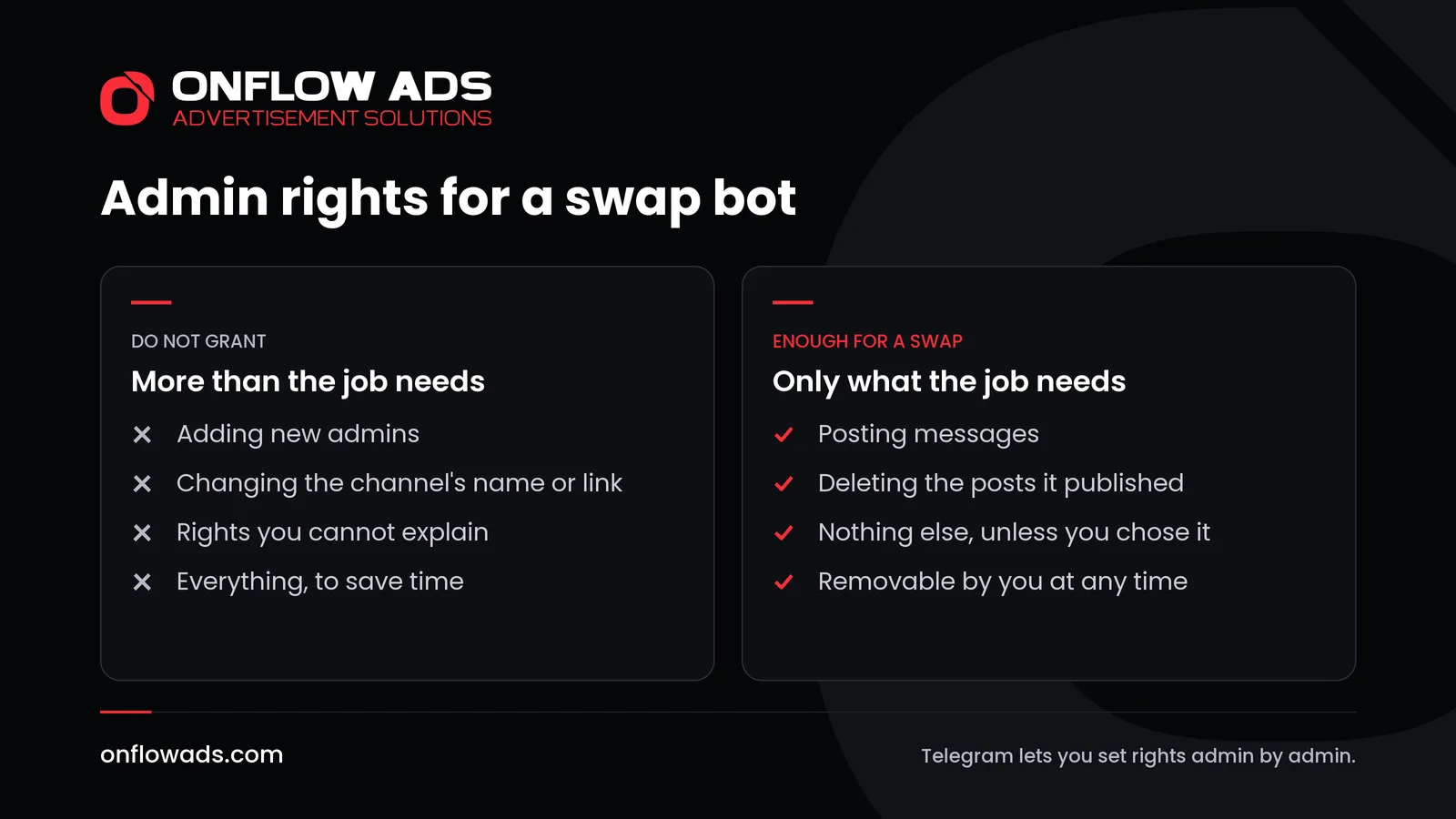
The admin rights a bot should and should not have
Telegram lets you decide this in detail. Its Channels FAQ says you can set up administrator rights for each individual administrator when you appoint them, and the channels page lists the choices: who can add subscribers, manage messages, edit the channel's information or add new admins.
| Right | Why a bot might need it | What to do |
|---|---|---|
| Posting messages | To publish the swapped post | Grant it. This is the job |
| Deleting messages | To take the post down when the swap ends | Grant it, if the bot removes posts for you |
| Editing messages of others | On Telegram, this is what allows pinning in a channel | Only if you chose to have posts pinned |
| Editing the channel's information | Nothing a swap requires | Refuse |
| Adding new admins | Nothing a swap requires | Refuse, always |
The last line matters most. An administrator who can appoint other administrators can hand your channel to somebody else. No swap needs that.
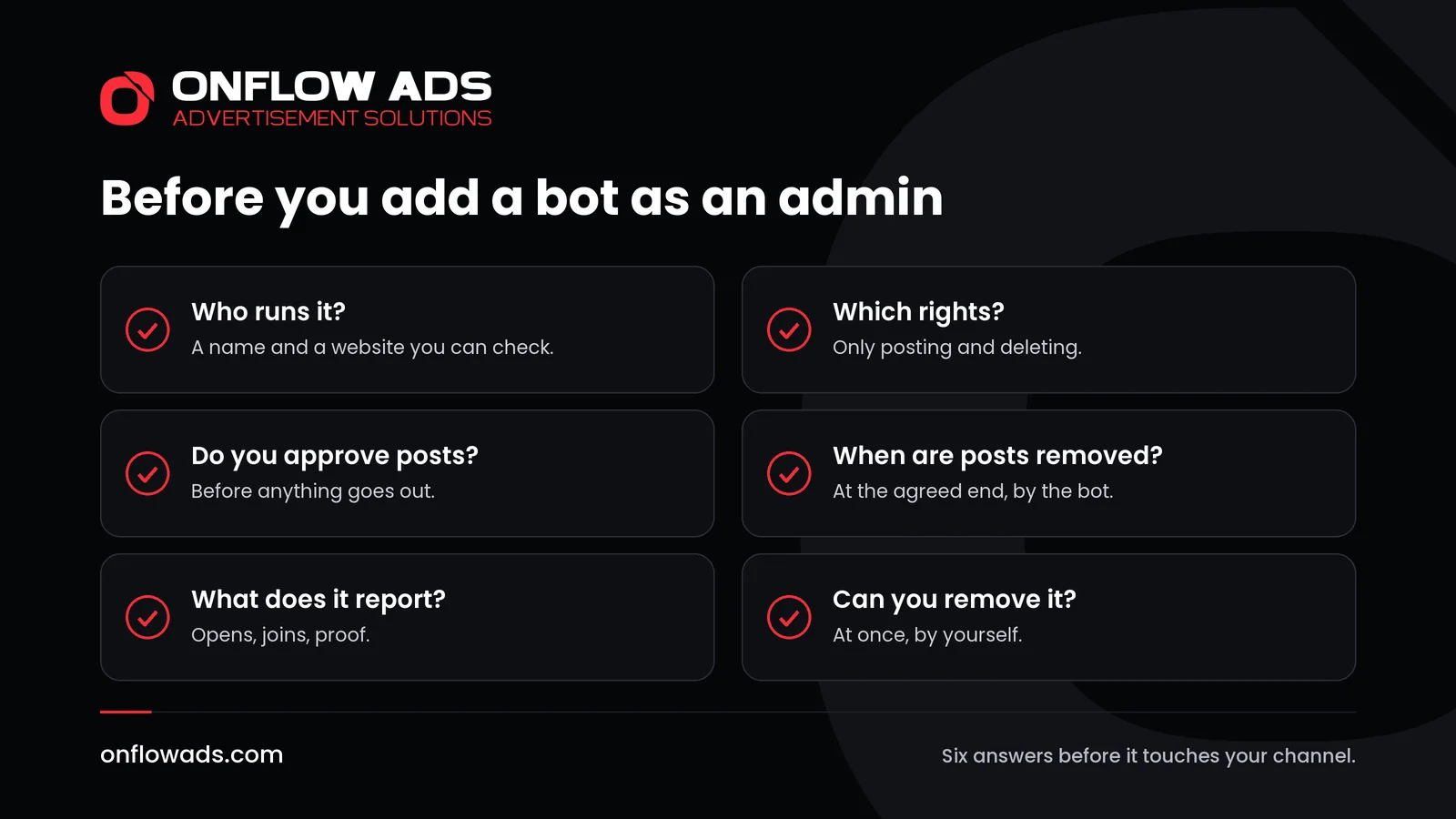
Six checks before you add any bot
Find out who runs it
A name, a website, terms you can read. A bot with nothing behind it but a username gives you nobody to turn to.
Read the rights it asks for
Compare them with the table above. If it wants more than posting and deleting, ask why, and refuse what the answer does not justify.
Ask whether you approve each post
A bot that can publish anything in your channel without your agreement is publishing under your name.
Ask when posts come down
A swap has an end. Find out whether the bot removes the post at that moment, or whether it relies on each owner to remember.
Ask what it reports
At the least, proof that both posts went up and stayed up. Better, how many readers opened the post and joined.
Check that you can remove it
The owner of a channel can add and remove administrators. Make sure you know where that setting is before you need it.
Groups, bots and platforms compared
| A promotion group | A bot alone | Onflow Ads | |
|---|---|---|---|
| Finding a partner | By reading offers | Varies by bot | A directory ranked by match |
| Publishing | Each owner, by hand | The bot | The bot, both posts together |
| Proof it ran | A screenshot | Varies by bot | The bot checks that posts stay up |
| If a post is deleted early | Nothing happens | Varies by bot | It counts against the owner |
| What you know about a partner | What they tell you | Varies by bot | Completed and dropped swaps |
The middle column says varies because bots differ, and it would be unfair to describe them all as one thing. The checks above are how you find out where a particular bot stands.
How the Onflow Ads bot is set up
Onflow Ads uses a bot too, so it is worth saying exactly what that bot does. The About page puts the rule in one line: the website decides, and the bot only carries it out.
- It publishes and removes the posts that were agreed on the website, checks that they stay up and reports back what it saw.
- Nothing is bought, sold or decided inside the bot, and it holds no balance.
- It asks for the rights to post and to delete messages. One further right is optional, and is needed only by an owner who chooses to sell a pinned ad.
- Each side of a swap writes its own post and reviews the other's before either goes out. Every post is screened first.
- It publishes both posts together. If it cannot publish both, it publishes neither.
- Afterwards the results show ad opens and how many people joined your channel.
The guide explains the split between the bot and the website in full.
Why a record beats a clever tool
A bot solves the mechanics: posts go up on time and come down on time. It does not solve the older problem, which is choosing somebody who will not delete your post an hour after theirs has done its work.
In a swap no money is held back, so, as the Onflow Ads guide says, trust carries the whole deal. That is why the cross-promotion directory shows each partner's completed and dropped swaps before you send a request, and why every account carries one reliability score from 0 to 10. Deleting a partner's post early moves it down, and the same score is read when that owner sells or hosts ads. A broken swap follows the owner everywhere on the platform.
The guide's page on rules and fairness lists what is checked.
What to do next
- If you use a promotion group, post once where the rules allow it, and take any offer into a conversation between the two of you.
- If you use a bot, go through the six checks, and look at the rights it holds in your channel today.
- Whichever you use, agree the day, the hour and the length of the swap in writing.
- Give each partner a link of its own, so that you can see what the swap brought.
- Keep a note of who kept their word. It is the most useful list you will ever build.
Swaps are one of the free methods in our complete guide to Telegram marketing, which puts every step in order, from setting up a channel to measuring results.
Frequently asked questions
What is a Telegram cross-promotion bot?
A program, made by an outside developer, that is added to channels as an administrator and publishes swapped posts for their owners.
Is it safe to add a bot as an admin of my channel?
It depends on who runs it and on the rights you give it. Grant only posting and deleting, never the right to add new admins, and make sure you approve what it publishes.
Which admin rights does a swap bot need?
Posting messages, and deleting messages if it removes posts at the end of a swap. Nothing a swap requires needs the right to add admins or change the channel's details.
Do promotion groups work?
They are a way to meet other owners. They do not check anyone's numbers or make sure a swap is honoured, so treat them as an introduction.
Can a bot take over my channel?
An administrator with the right to add other administrators could hand control to somebody else. That is the right never to grant. The owner can remove any administrator.
What does the Onflow Ads bot do in my channel?
It publishes and removes the posts agreed on the website, checks that they stay up and reports what it saw. Nothing is decided inside the bot.



Comments
Nobody has commented yet.