
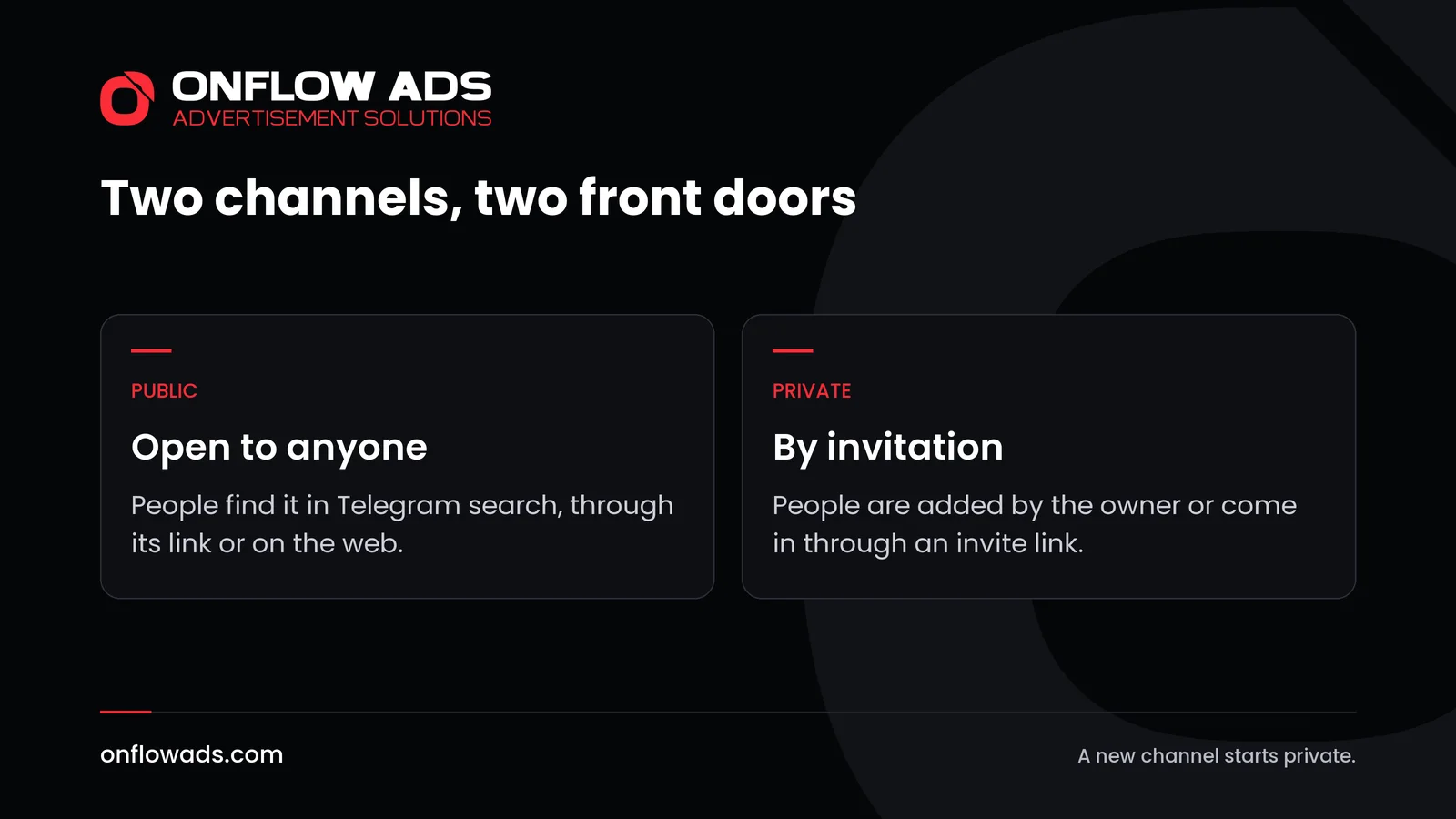
The difference in the choice of public vs private Telegram channel is how people get in. A public channel has a username and a t.me link, so anyone can find it in Telegram search and join. A private channel has neither: a person has to be added by the owner or follow an invite link.
Everything else follows from that one difference. It decides who can find you, what tools you can use to grow and how you can earn. This article compares the two, then shows how to switch and how to choose.
Public vs private Telegram channel: the difference
Telegram's Channels FAQ gives the definition in three sentences. Public channels have a username. Anyone can find them in Telegram search and join. Private channels are closed: you need to be added by the owner or get an invite link.
| Public channel | Private channel | |
|---|---|---|
| How people join | They find it and join | They are added, or follow an invite link |
| Telegram search | Listed | Not listed |
| Its link | A username and a t.me link | Invite links only |
| On the web | Readable in a browser and indexed | Members only |
| Similar channels list | Can appear in it | Does not appear |
| Telegram's sponsored messages | From 1000 subscribers | Not shown |
| Approving each person | No, it is open to all | Possible, through invite links |
| A fee to join | No, it is open to all | Possible, through paid invite links |
What a public channel gives you
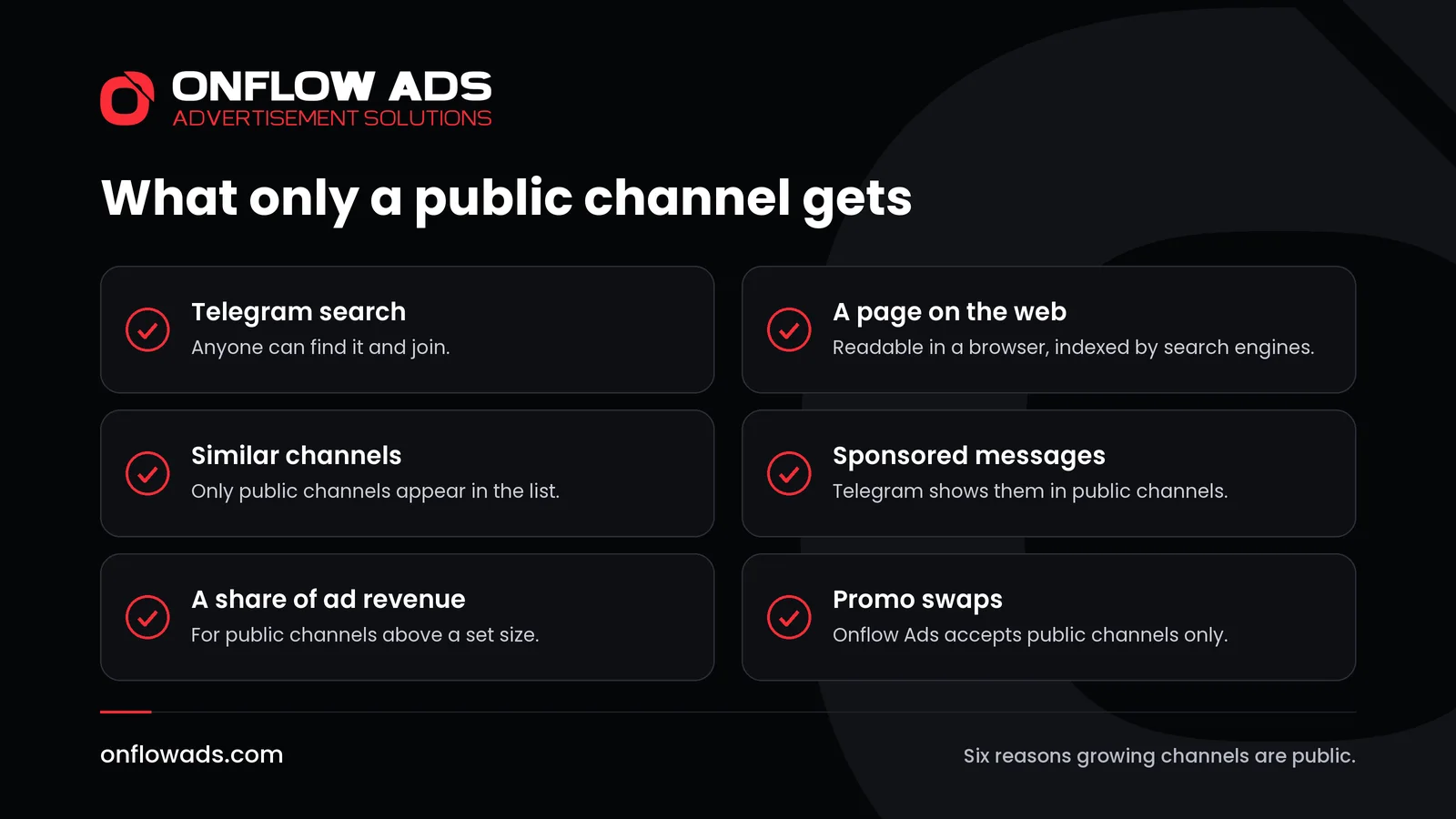
A public channel is built to be found. Each of these comes from Telegram's own description of how public channels work.
- Search inside Telegram. Anyone can find the channel in Telegram search and join.
- A page on the web. The contents of a public channel can be seen in a browser without a Telegram account, and search engines index them, according to Telegram's channels page.
- A link for every post. Each post has its own t.me link that can be shared with anyone, and posts can be embedded in a web page.
- The similar channels list. When someone joins a channel, Telegram shows a list of similar channels. Only public channels appear in it, chosen automatically from how alike their subscriber bases are.
- Verification. Telegram verifies public channels of public figures and organizations.
- Ads and ad revenue. Telegram's ad platform places sponsored messages in public channels with 1000 or more subscribers, and since 2024 owners of public channels of at least that size can be rewarded with half of the revenue from the ads shown in them.
What a private channel gives you
A private channel is built to be controlled. Nobody stumbles into it. Every subscriber came through a door that you opened.
- Invite links with limits. Along with the main invite link, owners and admins can create additional links with a limited duration, a limited number of uses, or both. Any of them can be turned into a QR code.
- Approval for each person. An invite link can ask for an admin's approval. The visitor sends a request, and an admin sees their public profile pictures and bio before approving or dismissing it.
- A fee to join. Telegram lets a creator make special invite links that let people join a channel in exchange for a monthly payment in Telegram Stars. Telegram suggests it for extra content, early access or streams for paying members.
- A record of who came from where. Telegram shows which users joined through each invite link.
Privacy inside the channel is the same for both kinds. The subscriber list is visible only to the owner and the admins, whether the channel is public or private.
How to make a private channel public
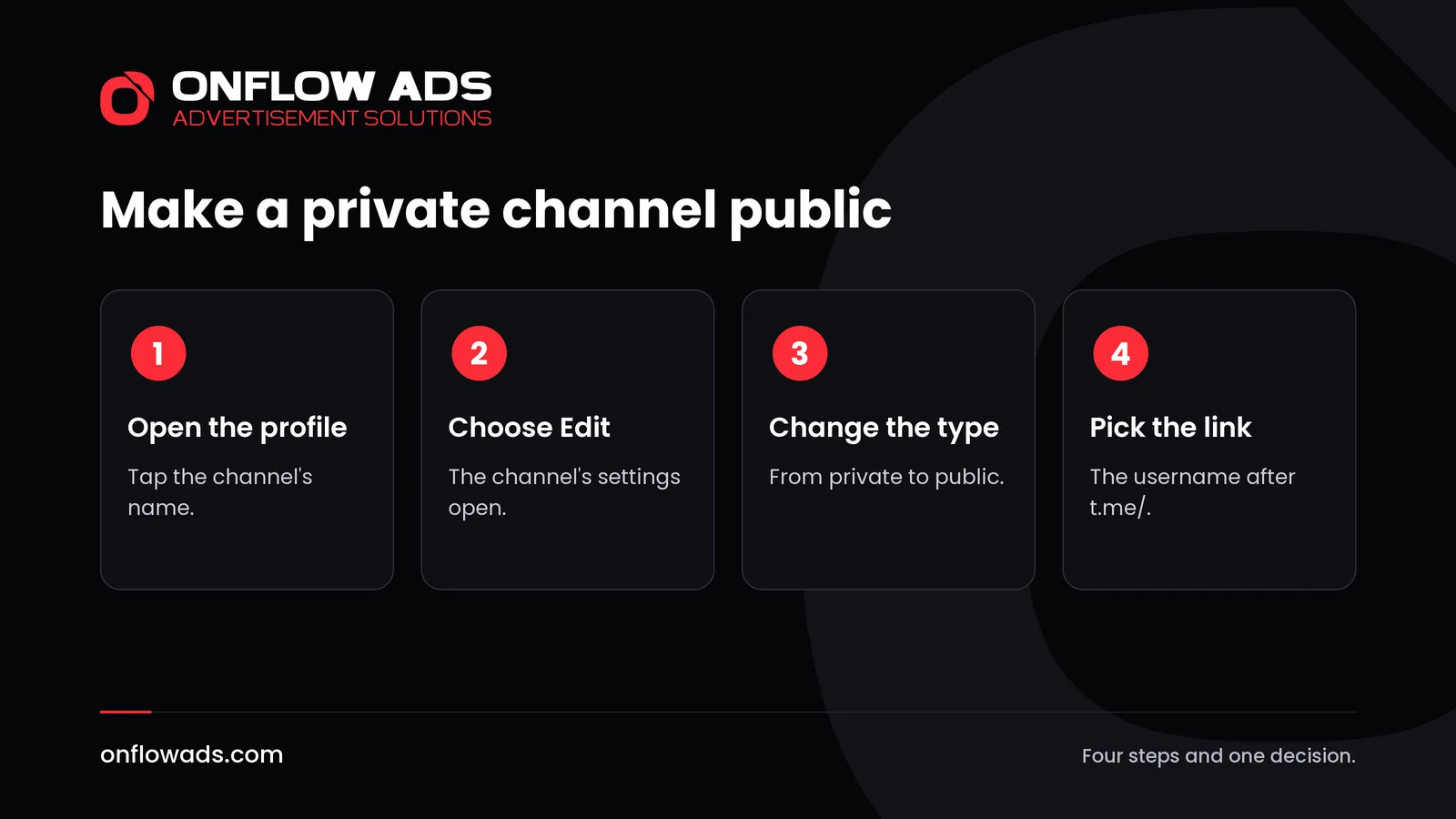
Every new channel starts private. Telegram says you can edit a channel's profile to make it public. The steps are short.
Open the channel's profile
Tap the channel's name at the top of the chat.
Choose Edit
This opens the channel's settings.
Change the channel type to public
The setting is called Channel Type. It is also where a private channel's invite links are managed.
Pick the link
A public channel needs a username, which becomes its t.me link. Telegram's FAQ says usernames can use the letters a to z, the digits 0 to 9 and underscores.
If you would rather stay private and still let people in, go to the channel's profile, choose Edit and open Invite Links. Create one link for each place where you will share it, and give each link the limit that suits the place.
How each kind of channel can earn
The type of channel also decides how it can make money, so it is worth settling before the audience arrives.
- A share of Telegram's ad revenue. For public channels with at least 1000 subscribers. Telegram shows sponsored messages in the channel and rewards the owner with half of what those ads bring in.
- Sponsored posts. An advertiser pays for a post in your channel. Advertisers look for channels they can open and check, which favours a public one. On Onflow Ads, a channel has to be public, with at least 1,000 subscribers, to be listed for paid promotions, where the advertiser's payment is held in escrow until the post has run.
- Support from readers. Telegram lets channel owners switch on a paid Star reaction, and publish paid photos or videos that subscribers unlock with Stars.
- A fee to join. The private route: an invite link that asks for a monthly payment in Stars.
Many owners end up with a mix: ads and sponsored posts on a public channel, and something extra for paying members on a private one.
Which should you choose?
- Choose public if you want the channel to grow. Search, the web, similar channels, ads and swaps with other channels all need a public channel.
- Choose private if the content is for a known circle: a team, a class, customers, paying members.
- Start private, then open if the channel is not ready. Publish the first posts, then make it public. How to create a Telegram channel covers what to set up first.
- Run both if you publish for everyone and sell something extra: a public channel that anyone can find, and a private one for members, reached through a paid or approved invite link.
What the choice means for promotion
Growing a channel with other people's help needs a public address. On Onflow Ads a channel is added by its public link or username, and private channels, invite links and groups are not accepted. That applies to free promo swaps, to the ad exchange and to selling sponsored posts alike.
So a channel that wants to use cross-promotion, or any of the methods in how to promote a Telegram channel for free, should be public first. A private channel can still be promoted by its owner, one invite link at a time.
What to do next
- Write down what the channel is for and who should be able to get in.
- If the answer is anyone, make it public and choose a username that says what it is about.
- If the answer is a known circle, stay private and create one invite link for each place you share.
- If you plan to earn from it, check which of the ways above your type of channel allows before you build the audience.
Growing a channel is one stage of the whole job. Our complete guide to Telegram marketing covers every stage, from the first post to the numbers that show what worked.
Frequently asked questions
What is the difference between a public and a private Telegram channel?
A public channel has a username, and anyone can find it in Telegram search and join. A private channel can only be joined by being added by the owner or by following an invite link.
Can a private Telegram channel be found in search?
No. Telegram's FAQ says a private channel is joined by being added by the owner or through an invite link. Only public channels have a username that can be found in search.
Can I change a private channel to public later?
Yes. Telegram says newly created channels start as private and that you can edit a channel's profile to make it public.
Can a private channel earn money?
Yes, through its members. Telegram lets a creator make invite links that require a monthly payment in Telegram Stars. The share of ad revenue that Telegram pays is for public channels with at least 1000 subscribers.
Can subscribers of a private channel see each other?
No. In any channel, public or private, the subscriber list is visible only to the owner and the admins.



Comments
Nobody has commented yet.