
Telegram invite links are links that let a person join a channel or a group. Every channel has a main one, and owners and admins can create additional links, each with its own name and its own limits. Telegram then shows which users joined through each link.
That last part turns a simple link into a measuring tool. Share a different link in each place and you find out where your subscribers really come from. This guide shows how to set that up, what each setting does and how to read the result.
What Telegram invite links can do
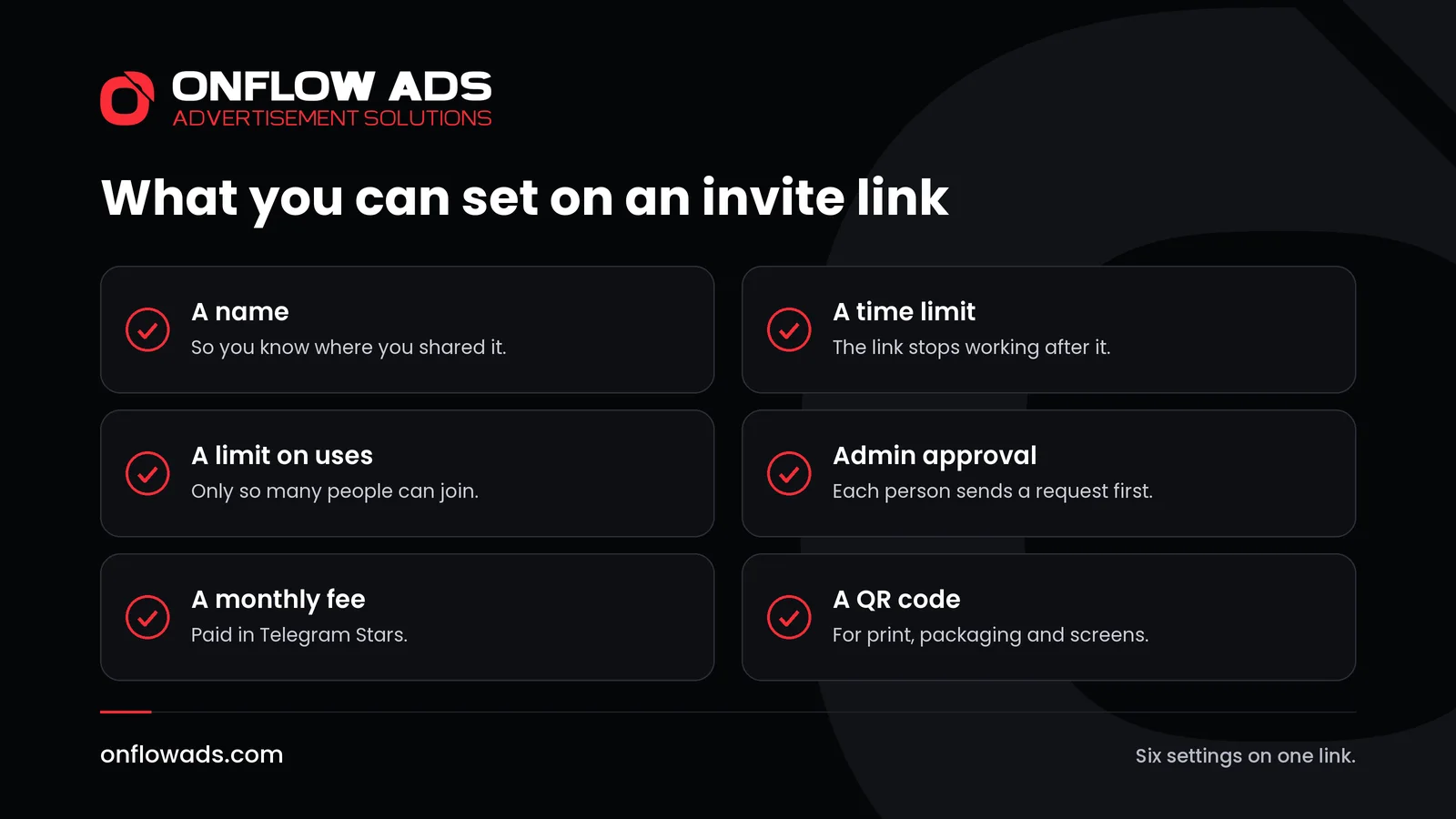
Telegram introduced flexible invite links in an update in 2021 and added to them later that year. Together the two updates give a link these abilities.
| Setting | What it does | When to use it |
|---|---|---|
| A name | Labels the link in your list | Always, so you remember where you shared it |
| A time limit | The link stops working after a set period | An offer, an event, a launch week |
| A limit on uses | Only a set number of people can join through it | A small circle, a test, a course with limited places |
| Admin approval | The visitor sends a request and an admin lets them in | A private channel, or a group you want to keep clean |
| A monthly fee | Joining costs a monthly payment in Telegram Stars | Content for paying members |
| A QR code | Turns the link into a code that can be scanned | Print, packaging, a slide, a shop window |
Telegram describes the point of all this in one sentence: you can see which users joined through each invite link, to find out where new members came from or which format has been most effective for growth.
Why you want one link for each place
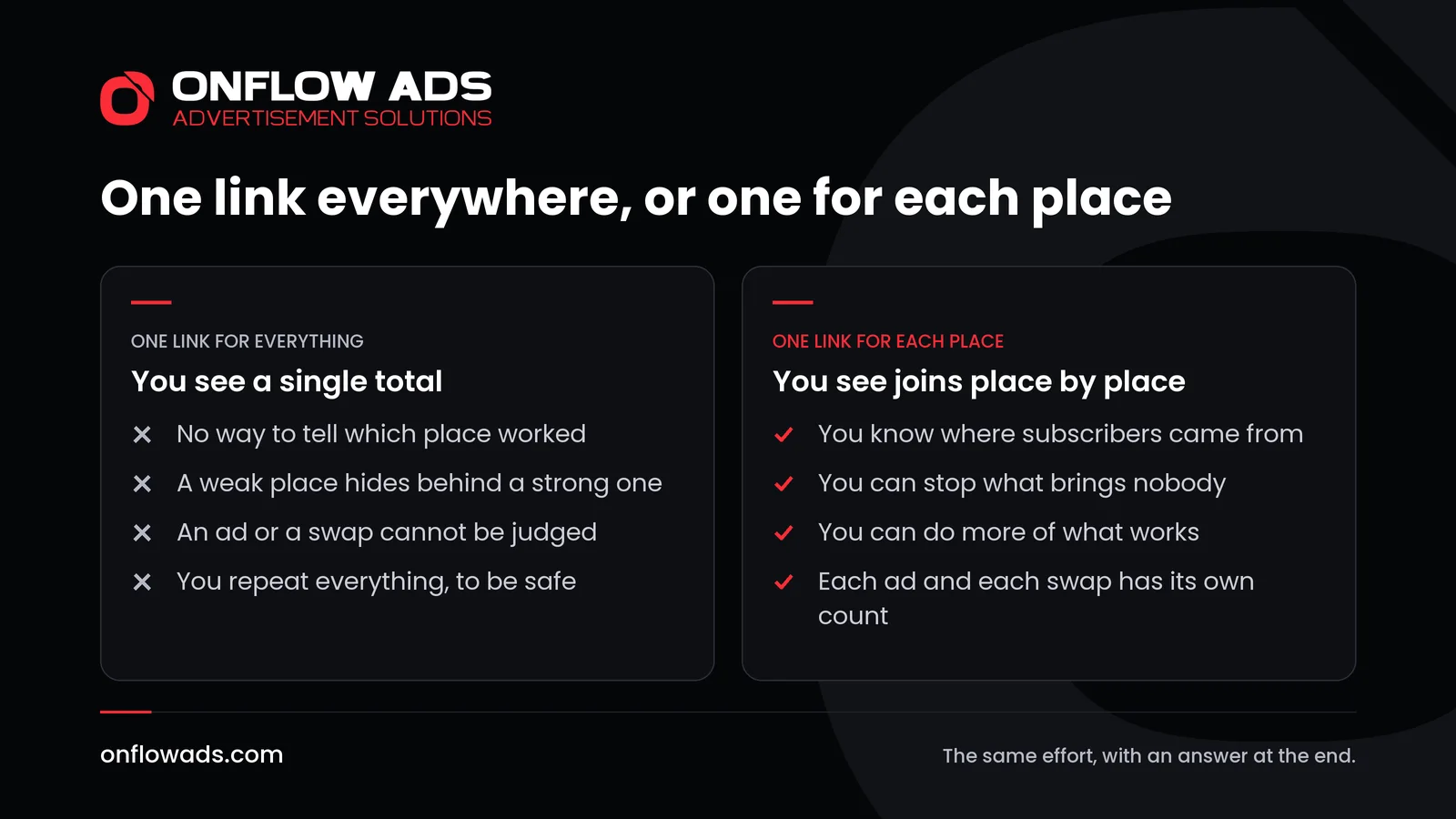
Most channels share a single link everywhere. It works, but it leaves one number at the end: the total. You cannot tell whether the people came from your website, from the channel you swapped posts with or from the leaflet you printed.
One link for each place answers that. The effort is the same and the result is a small table: this place brought forty people, that one brought two. Next month you do more of the first and drop the second.
How to create Telegram invite links, step by step
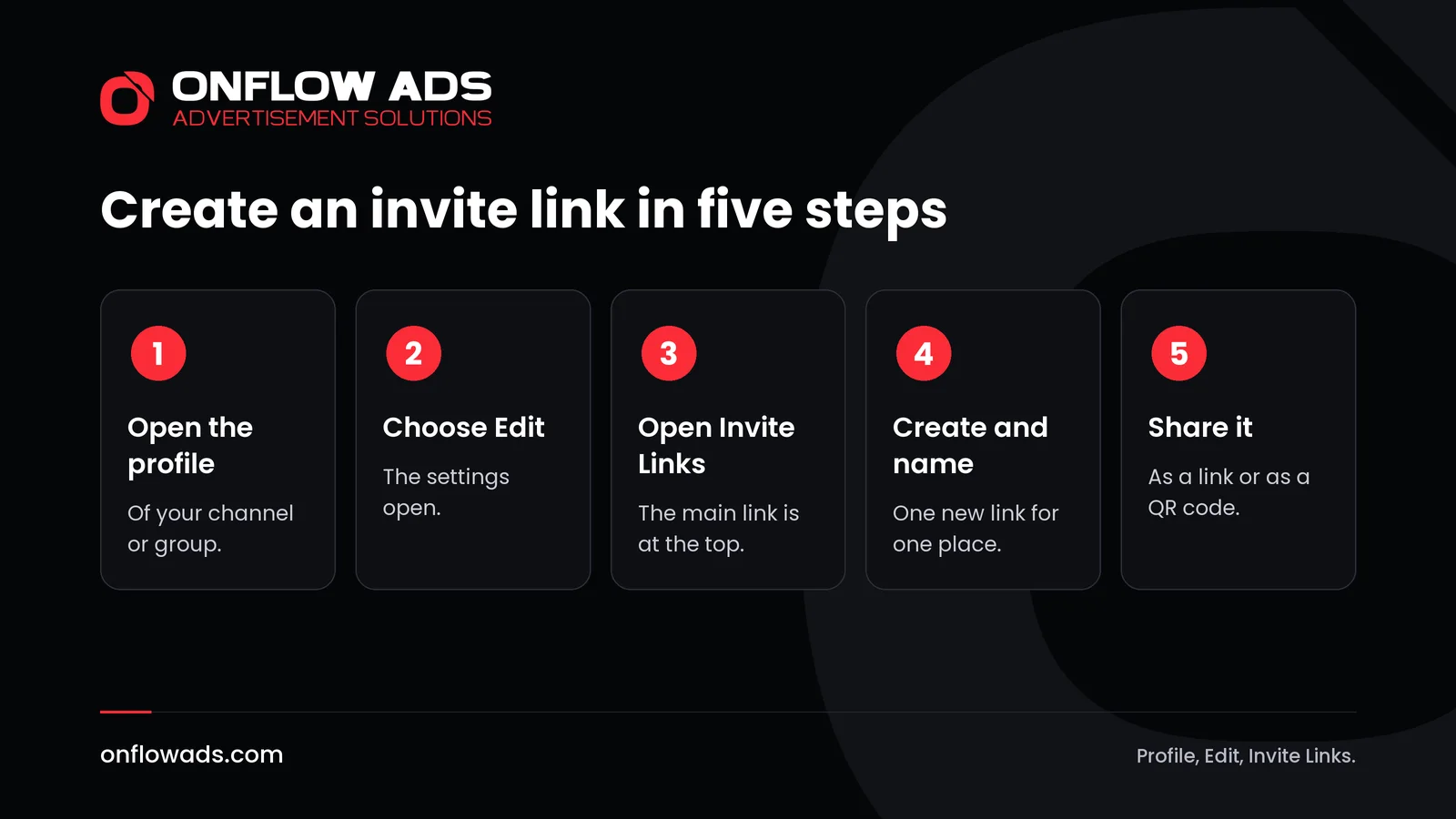
Open the profile of your channel or group
Tap its name at the top of the chat.
Choose Edit
Owners and admins can create links.
Open Invite Links
Telegram's path is Profile, then Edit, then Invite Links. The main link is shown first.
Create a new link and name it
Name it after the place where it will be shared: the website, a partner's channel, a poster. Add a time limit, a limit on uses or approval if the place calls for it.
Share it, or turn it into a QR code
Paste the link where it belongs. For anything printed, open the link's menu and convert it to a QR code.
A plan you can copy
Decide on the places first, then make the links. A small channel might start with five.
- Website. The button or line of text on your own pages.
- Profiles. One link for each social network where you have a profile.
- Swap partners. One link for each channel you exchange posts with, so each partner can be judged on its own.
- Paid ads. One link for each ad you buy. It is the only way to know what the money brought.
- Print. One QR code for each printed item or event.
Keep the names short and consistent, for example the place followed by the month. After a week, open Invite Links again and see who joined through each one.
A worked example: one week, five links
Say you run a channel about home cooking and want to know where to spend your effort. On Monday you create five links and name them site, profile, partner, ad and leaflet. Each goes to its own place: the button on your website, the bio of your profile on another network, the post a partner channel publishes about you, a sponsored post you paid for, and a leaflet with a QR code at a local market.
The next Monday you open Invite Links and read the list. The partner's post brought the most people, the website a steady few, the leaflet almost none. That is a decision made for you: arrange another swap, keep the website button, stop printing leaflets. Without separate links you would have seen one total and learned nothing.
How to read the result
- Compare the joins link by link. The places at the bottom of the list cost you time and brought nobody.
- Look at what kind of place did well. Telegram's channel statistics also show how people found the channel, for example from Telegram search or by following a link.
- Check that the new subscribers read. Every post has a view counter, and joins that do not turn into views are not growth.
- Repeat what worked with a fresh link, so that the next round is counted separately.
Invite links that earn: approval and paid entry
Two settings change what a link is for. With admin approval switched on, a visitor who opens the link sees a button to send a join request. Admins handle requests from a bar at the top of the chat, where they can see the applicant's public profile pictures and bio before approving or dismissing them.
With a monthly fee, the link becomes a paid door. Telegram calls this Star subscriptions: a creator makes a special invite link that lets people join a channel in exchange for a monthly payment in Telegram Stars. Among the channel's invite links, you create a new link and enable Require Monthly Fee. It is one of the simplest ways to charge for a private channel, as public vs private Telegram channel explains.
The two can work together. A public channel that anyone can find carries the free posts, and its pinned post holds a paid invite link to a private channel for members. Readers who want more know where the door is, and you can see how many of them walked through it.
How Onflow Ads counts joins for you
Making a link by hand for every ad gets tiring. On Onflow Ads you never create a measured link yourself. Every link a reader can tap in your ad is published as its own short link, and what it becomes depends on where it points.
- A link to a channel you have connected becomes an invite link made for that campaign. The reader lands in your channel, and the join is attributed by Telegram itself.
- Joins are counted, never leaves: nobody can know who leaves a channel, so no leave is recorded.
- The results of a free cross-promotion show ad opens and how many people joined your channel. The same counting is used for exchange ads and for paid promotions.
The guide explains links and results in full.
What to do next
- List the places where your link appears today.
- Create one named invite link for each of them and replace the old link.
- Read the list in a week, and again in a month.
- Put the time you save into the two places that brought the most readers.
Mistakes to avoid
- Using one link everywhere, then guessing what worked.
- Leaving links unnamed. Three weeks later nobody remembers which was which.
- Setting a time limit on a link that sits on a printed page.
- Counting joins and never looking at views.
- Sending an invite link to strangers. Telegram asks people not to, and reported accounts are limited.
Growing a channel is one stage of the whole job. Our complete guide to Telegram marketing covers every stage, from the first post to the numbers that show what worked.
Frequently asked questions
What is a Telegram invite link?
A link that lets a person join a channel or a group. Telegram describes invite links as a quick and easy way to bring people to your groups and channels.
Can I see who joined through an invite link?
Yes. Telegram shows which users joined using each invite link, so you can find out where new members came from.
Can an invite link expire?
Yes. An additional invite link can have a limited duration, a limited number of uses, or both.
Can I approve people before they join?
Yes. Switch on admin approval for the link. Visitors then send a join request, and an admin approves or dismisses each one.
Can an invite link be a QR code?
Yes. Telegram says any invite link can be converted into a scannable QR code.
Do I need invite links for an ad placed through Onflow Ads?
No. Each link in the ad is published as a tracked short link for you, and a link into your own connected channel counts the joins as well.



Comments
Nobody has commented yet.