Tracking Telegram ad results comes down to one habit and four numbers. The habit is to give every ad its own link, so that whatever it brings can be told apart from everything else. The numbers are views, taps, joins or visits, and what each of those cost you. With them, you can say which channel earned its fee and which one to drop.
This guide shows how to collect those numbers by hand for any channel, what sums to do with them, how to prove an ad actually ran, and how the same work is done for you when the ad is booked through a marketplace.
Two questions, in this order
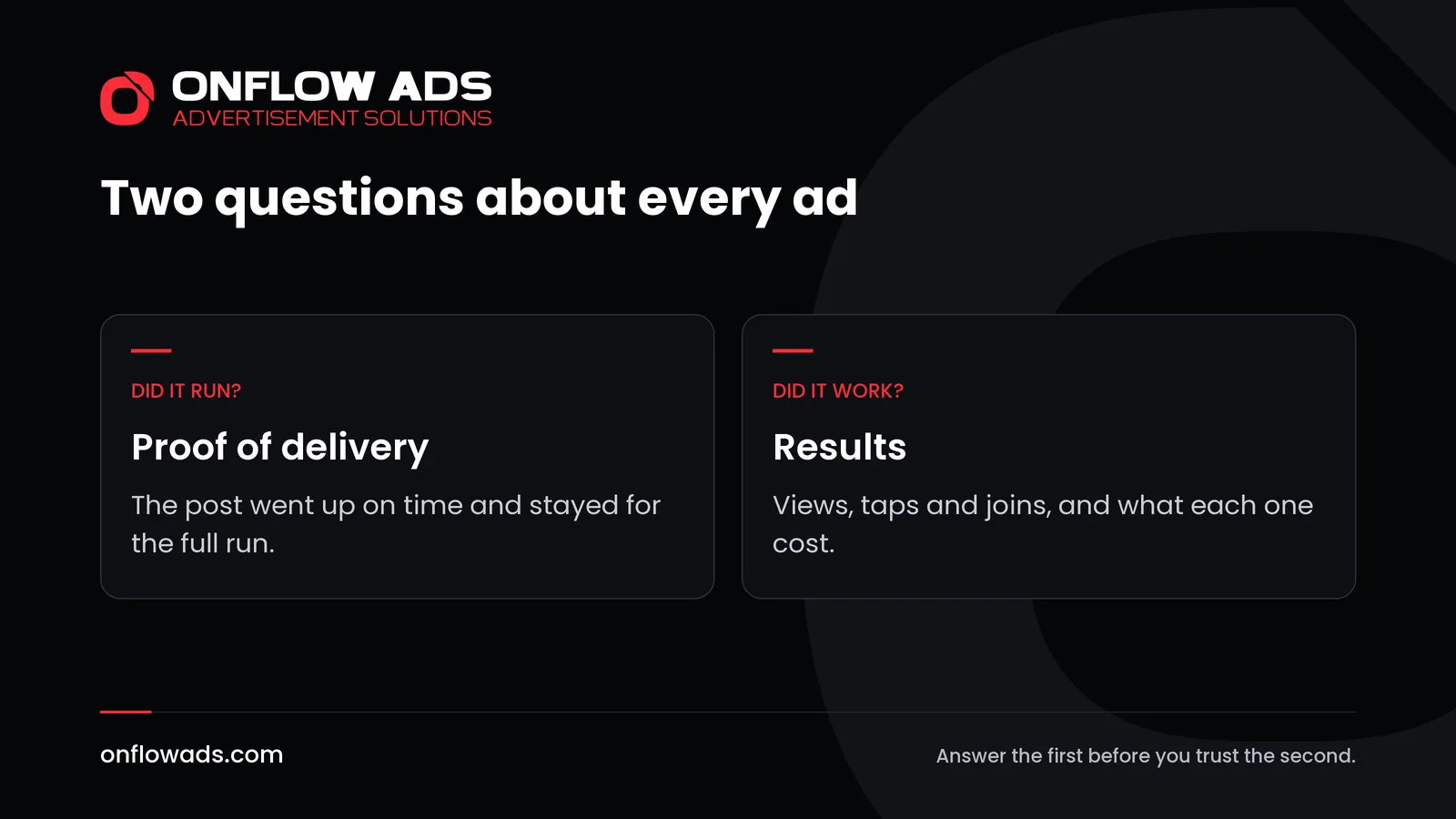
Every ad raises two questions, and the first is easy to skip. Did the ad run as promised? And did it work? A post that went up three hours late, or came down a day early, will show poor results that say nothing about the channel's readers. Settle delivery first.
The four numbers behind Telegram ad results
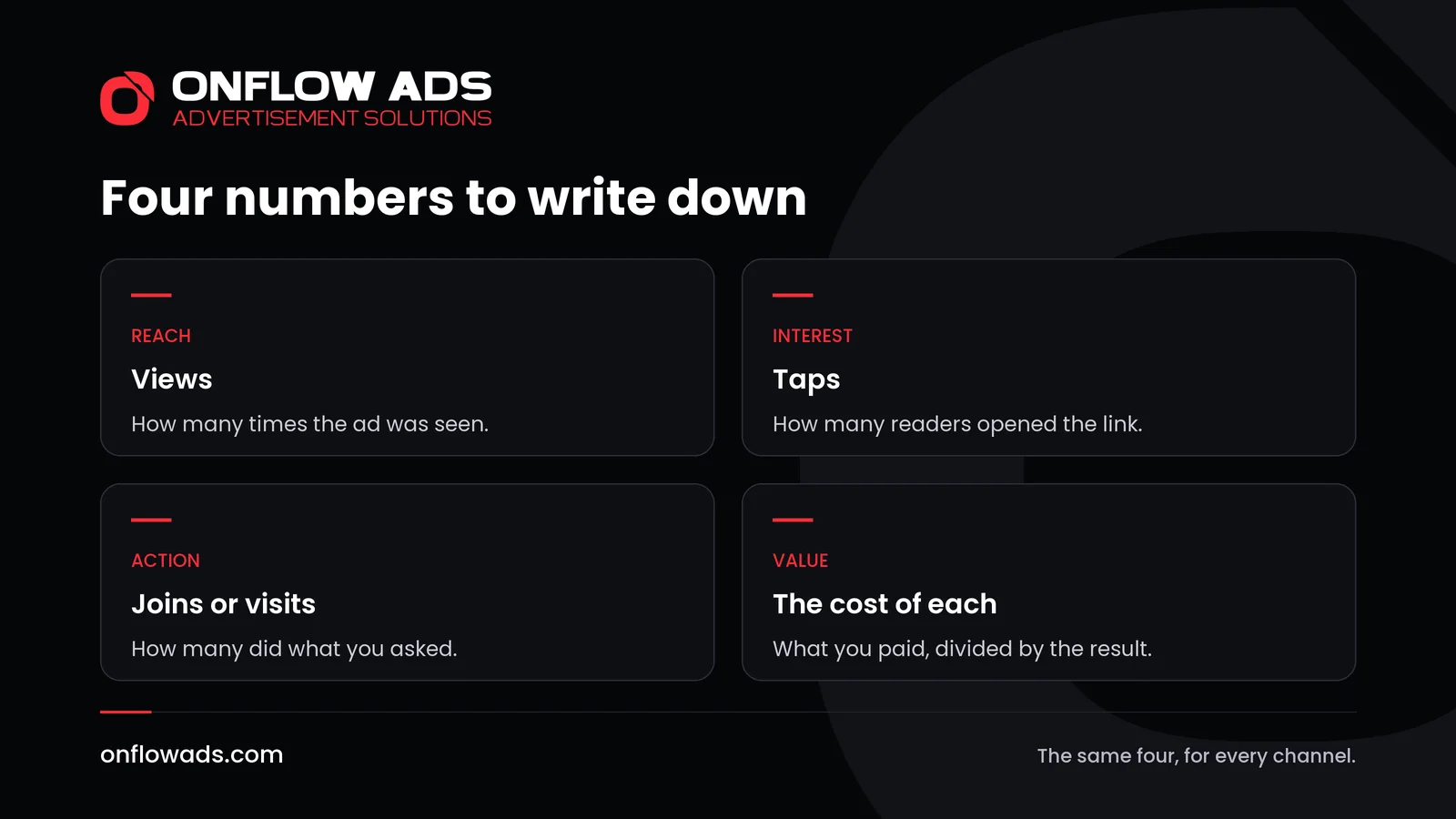
| Number | What it tells you | Where to find it by hand |
|---|---|---|
| Views | How many times the ad was seen | The view counter under the post |
| Taps | How many readers were interested enough to open the link | Only if the link counts them |
| Joins or visits | How many did what you asked | Invite links for a channel, your site's statistics for a page |
| The cost of each | Whether the channel was worth its price | The price divided by each of the numbers above |
Telegram shows a view counter under every post in a channel, and the count includes views of forwarded copies. That gives you reach for free. Everything after it depends on the link.
How to track an ad by hand
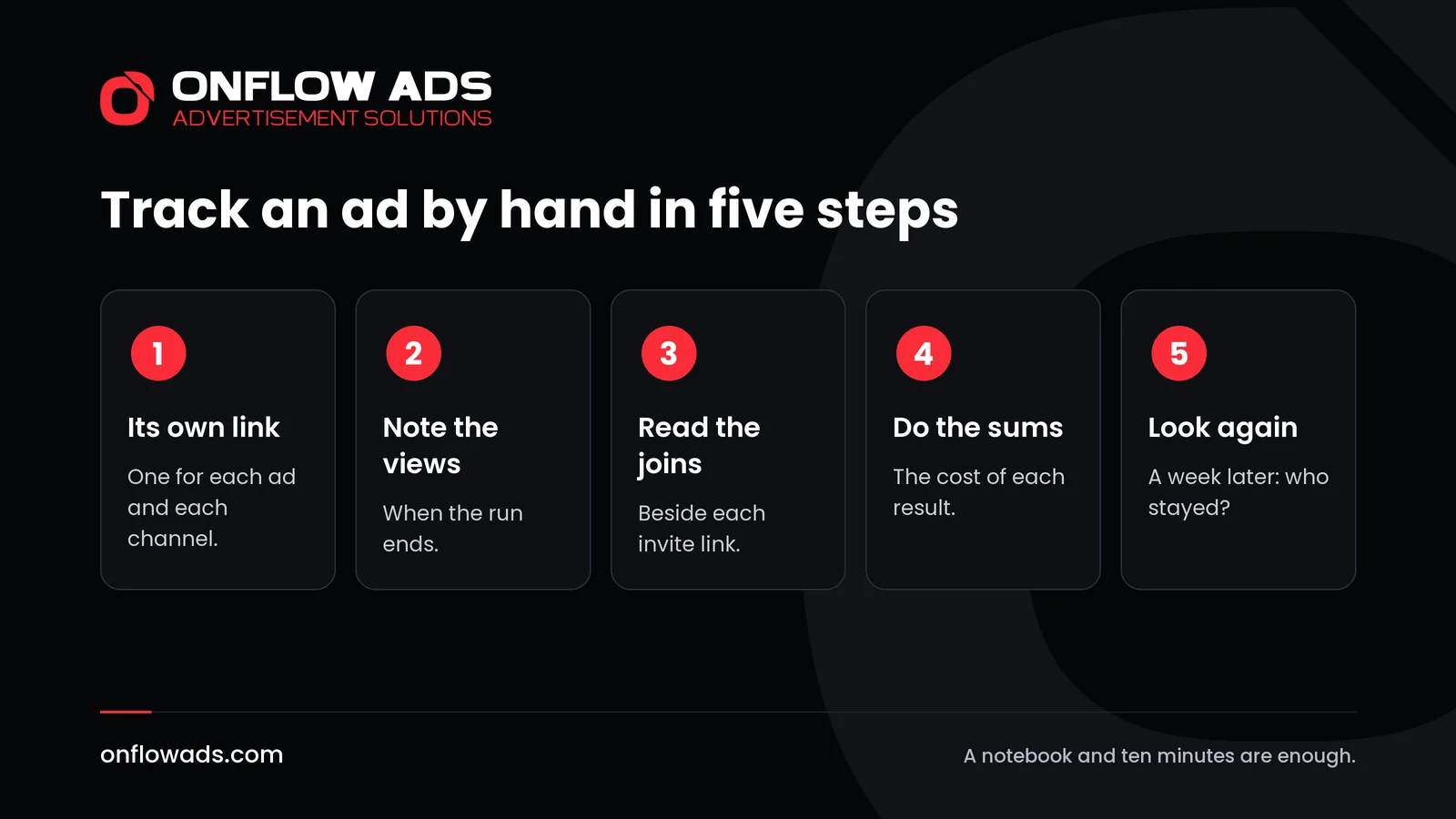
Give the ad its own link
If the ad leads to your channel, create a separate invite link for it. Telegram lets owners and admins create additional links and shows who joined through each one. If it leads to a website, add a campaign tag to the address so that your site's statistics can tell these visitors apart. Use a different link for every channel you advertise in.
Note the views when the run ends
Open the post through its own link and read the counter. Do it at the end of the agreed run, at the same point for every channel, so that the numbers can be compared.
Read the joins or the visits
For a channel, open Invite Links in its settings and see who came through the link you made. For a website, look up the tagged visits.
Do the sums
Divide the price by the views in thousands, by the taps and by the joins. The next section shows how.
Look again after a week
Count how many of the new subscribers are still there, and whether your views have risen with them.
Telegram invite links covers the first step in detail, including how to name links so that you can still read them a month later.
The sums, with a worked example
Three sums turn raw counts into something you can compare. The figures below are invented.
- The cost of a thousand views. Price, divided by views, times 1,000.
- The tap rate. Taps divided by views. It shows how well the ad matched the readers.
- The cost of a join. Price divided by joins. It is the number that decides where to spend next.
| Channel A | Channel B | |
|---|---|---|
| Price of the post | 30 | 18 |
| Views | 6,000 | 3,000 |
| Taps | 120 | 150 |
| Joins | 40 | 75 |
| Cost of a thousand views | 5 | 6 |
| Taps for each hundred views | 2 | 5 |
| Cost of a join | 0.75 | 0.24 |
Channel A looks better on reach: it is cheaper for each thousand views. But the readers of channel B tapped more than twice as often and joined at about a third of the cost. If you had judged by views alone, you would have rebooked the wrong channel. This is the whole reason for tracking.
How to prove the ad ran
Start with what you can check yourself. Every post in a public channel has its own link, so open it when the ad goes up and again shortly before it is due to come down. Note the time on both occasions.
The usual proof in a direct deal is a screenshot from the owner, and it is weak. It shows one moment. It cannot show that the post stayed up, and it is easy to produce. A link to the live post is better, but as the Onflow Ads guide points out, a live link cannot prove what the post looked like last week, and it disappears with the post.
What settles it is a record made by somebody other than the seller, during the run. That is what a monitor does: it looks at the post repeatedly while it is live and keeps what it saw.
Tracking the results of Telegram's own ads
If you bought sponsored messages from Telegram's ad platform, the numbers are in the ad's statistics tab. Telegram's guide says it shows the views of the sponsored message and the number of times a user joined your channel or started your bot after viewing it. You set the price for a thousand views yourself, so the cost of a join is your spending divided by the joins.
How Onflow Ads tracks an ad for you
When an ad is booked through the Onflow Ads marketplace, both questions are answered without a notebook.
- Every link is counted. Each link a reader can tap in your ad is published as its own short link, and every tap is counted, with link previews and automatic visitors left out. You never make a measured link by hand.
- Joins come from Telegram itself. A link into your own connected channel becomes an invite link made for that booking. Telegram attributes each join to the link it came through. Joins are counted, never leaves: nobody can know who leaves a channel.
- The figures are measured, not reported. The guide to analytics says every number on the page is measured by the platform, and nothing is self-reported by a channel owner. A blank figure means not measured yet, never that nothing was delivered.
- Channels are compared for you. Each campaign shows views, cost per thousand views, click-through and delivery for every channel in it, and Rebook the winners books the best ones again.
- Delivery is on record. Each delivered order has a delivery proof archive: the ad as you booked it, and the signed captures the monitor took during the run. It is what a dispute is argued over.
- Click analytics. The click analytics panel shows taps, unique readers, repeat taps, joins, the busiest hour, countries and devices for 7, 30 or 90 days.
- Privacy is kept. The results show counts, never who tapped.
The record also has a consequence for the seller. An early removal is detected, recorded and costs the channel its standing through the owner's reliability score. So the same system that tells you how an ad performed tells the next advertiser whether this owner delivers.
Mistakes that spoil the numbers
- Using one link for every channel, so the results cannot be separated.
- Reading the views an hour after the post went up.
- Counting joins and never checking who left.
- Comparing a channel about cars with a channel about cooking.
- Changing the ad between channels, then blaming the channel for the difference.
- Trusting a screenshot of statistics that you cannot check.
What to do with the results
- Rank your channels by the cost of the result you care about.
- Rebook the top one or two, in a longer format if the first was short. Telegram ad formats explained covers the choices.
- Drop the bottom ones without regret. The test did its job.
- Change one thing in the ad, usually the first line, and test again. How to write a Telegram ad post shows what to change.
- Add new channels a few at a time, using the seven-point check to choose them.
Buying and running ads is one part of a bigger job. Telegram marketing: the complete guide puts every step in order, from setting up a channel to measuring what each ad brought.
Frequently asked questions
How do I track the results of a Telegram ad?
Give the ad its own link, then record the views of the post, the taps on the link, the joins or visits it brought and what each one cost.
How do I know how many subscribers an ad brought?
Create a separate invite link for the ad. Telegram shows which users joined through each invite link.
Can I see how many people tapped the link in an ad?
Only if the link counts taps. On Onflow Ads every link in an ad is published as a tracked link, so taps are counted without any work from you.
How do I prove that an ad actually ran?
Open the post's own link when it goes up and before it comes down. A record made during the run by a third party is stronger: on Onflow Ads each delivered order keeps an archive of what the monitor saw.
What is a good result for a Telegram ad?
There is no universal figure. Compare the cost of a join or a visit across your own channels and keep the ones that do best.
When should I measure?
At the end of the agreed run for views and taps, and again a week later to see how many new subscribers stayed.

Comments
Nobody has commented yet.